Help

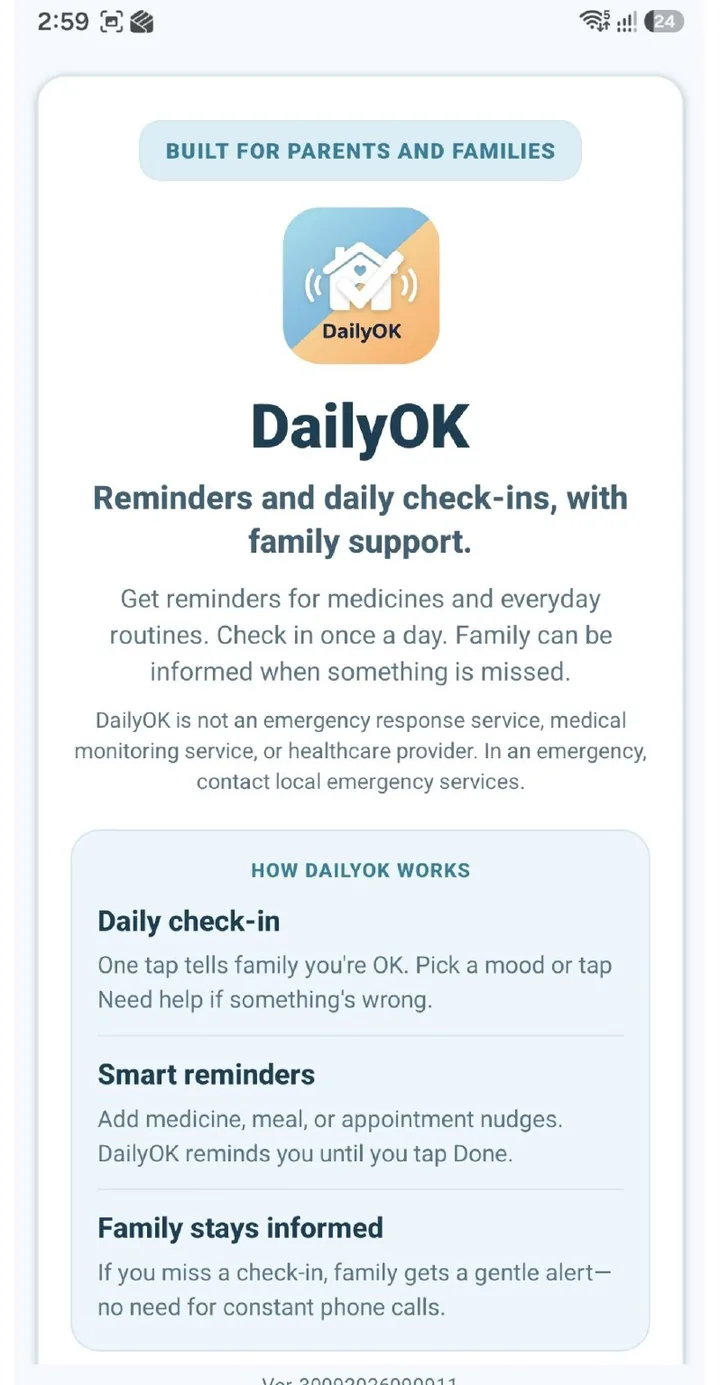
How parents and families use DailyOK

Choose Parent or Family. Each task is a short numbered list—not a long manual.

  • Parent tasks
  • Family tasks
  • Short FAQ
  • Contact if stuck

How to use DailyOK

Choose Parent or Family. Each task is a short numbered list—not a long manual.

  1. Create an account and set a check-in time

    Install DailyOK on Android, verify with OTP, then choose a daily check-in time you can keep.

  2. Check in each day

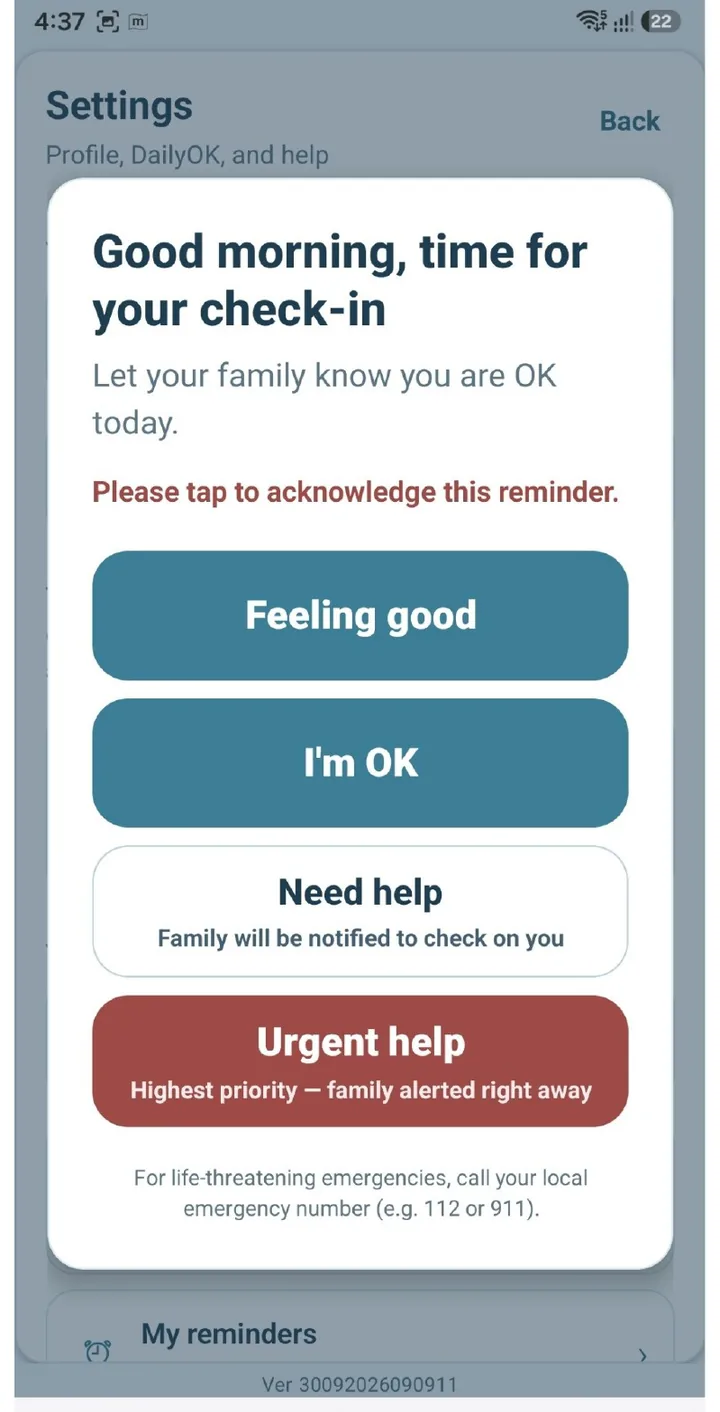
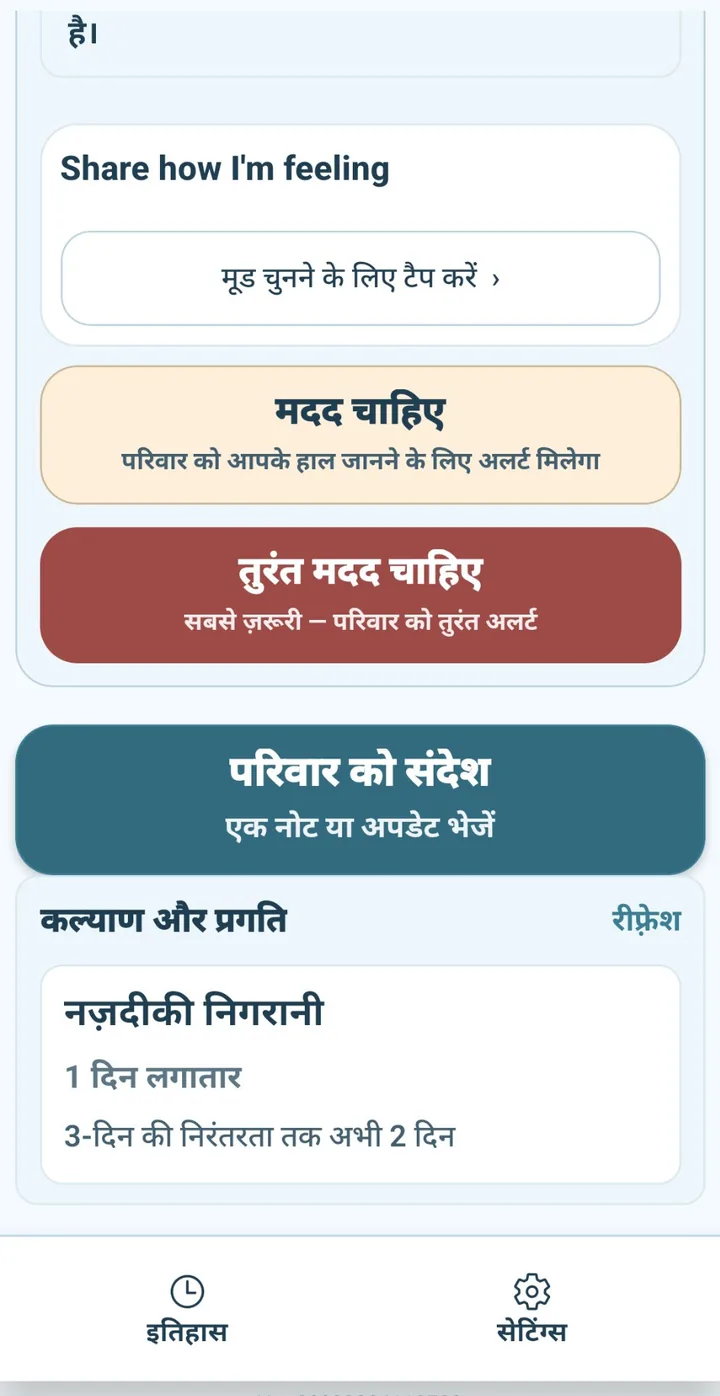
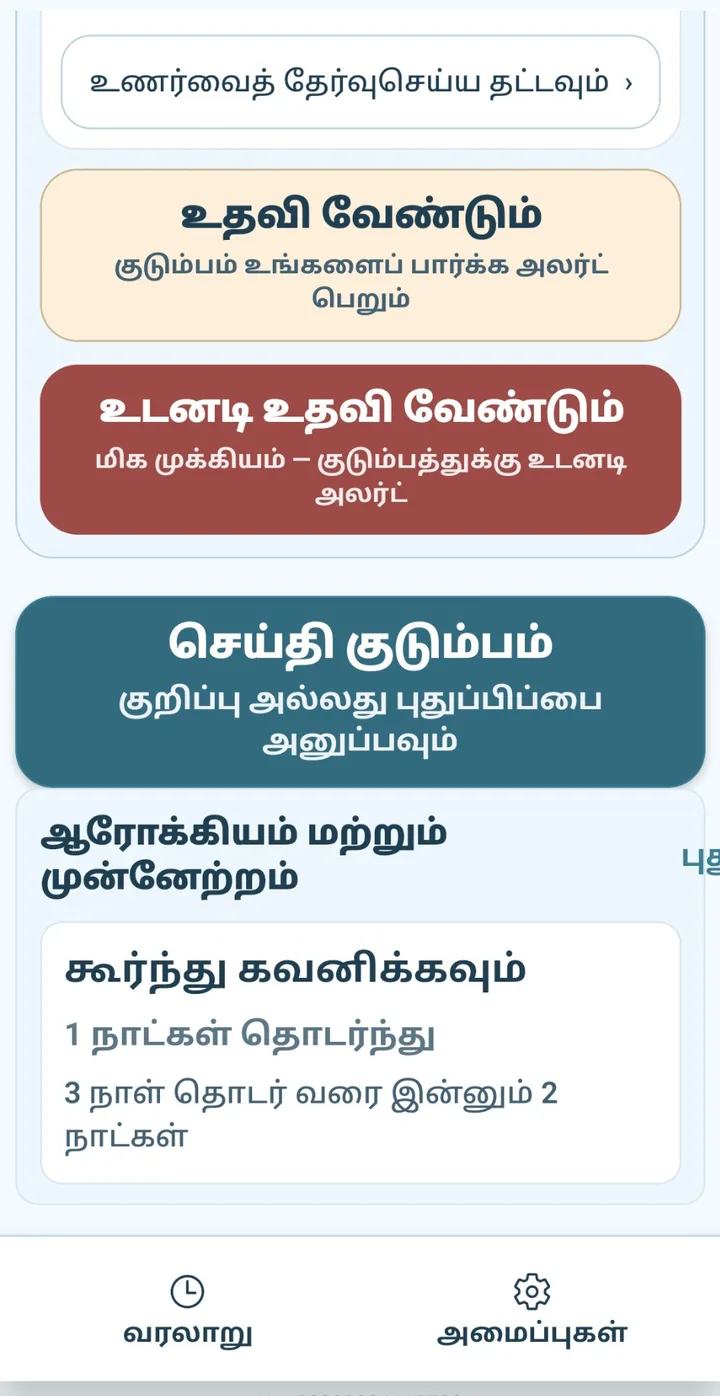
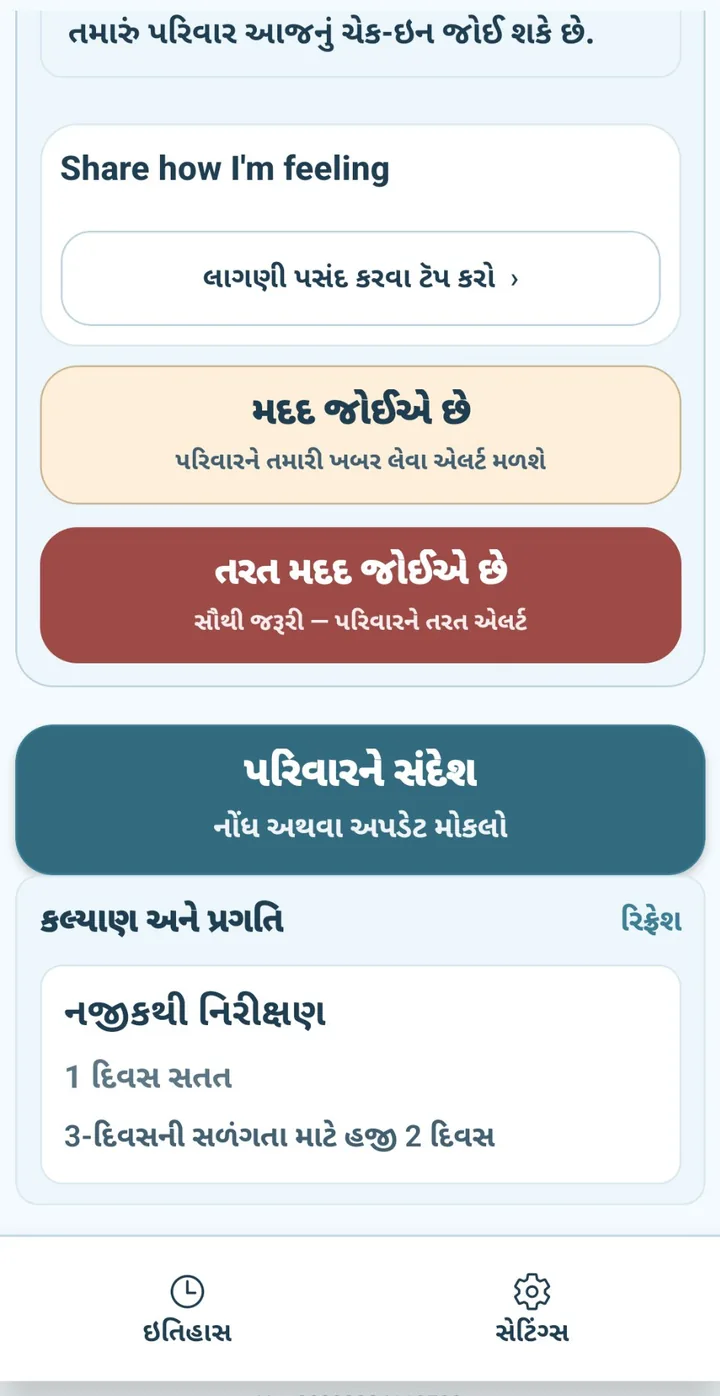
    When the morning prompt arrives, choose how today feels (Calm, Happy, Tired, Low, or Anxious), or tap Need help / Urgent help. Compact Feeling good and I'm OK actions are also available. Extra status taps during the day update family but do not replace the morning check-in.

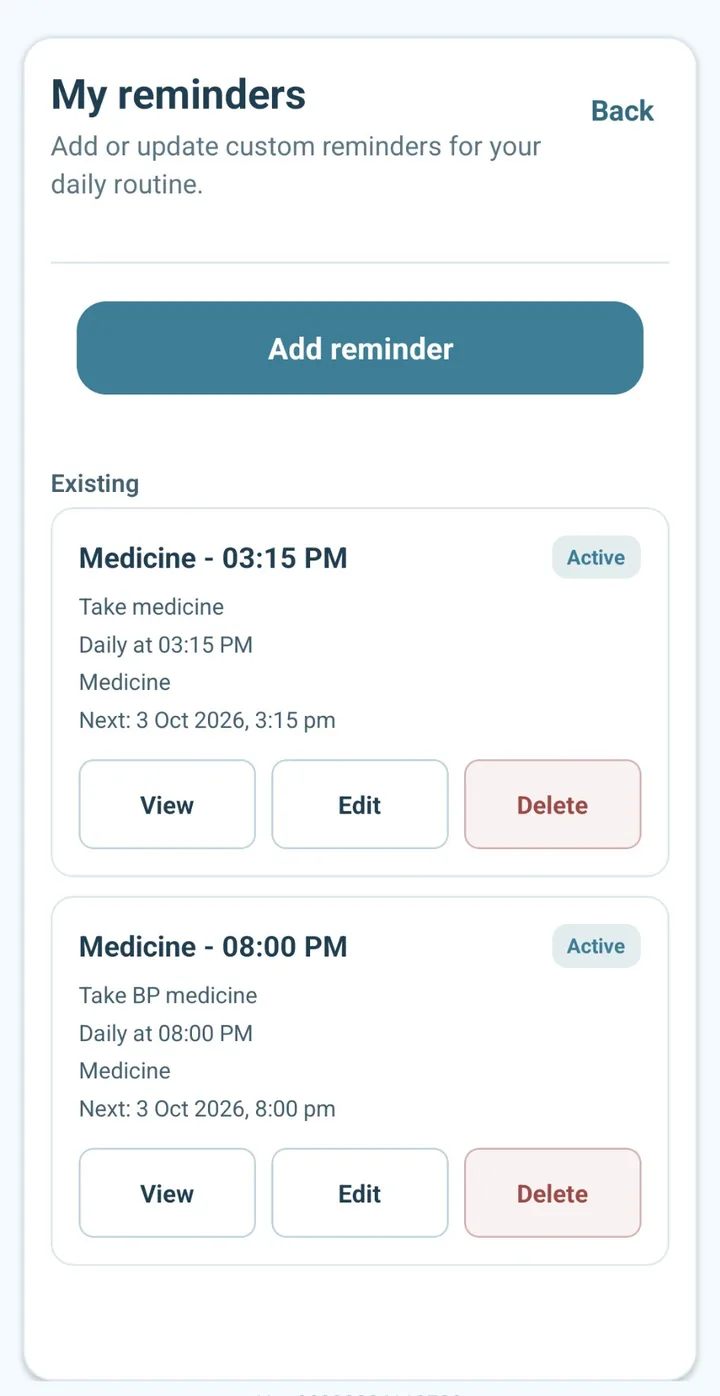
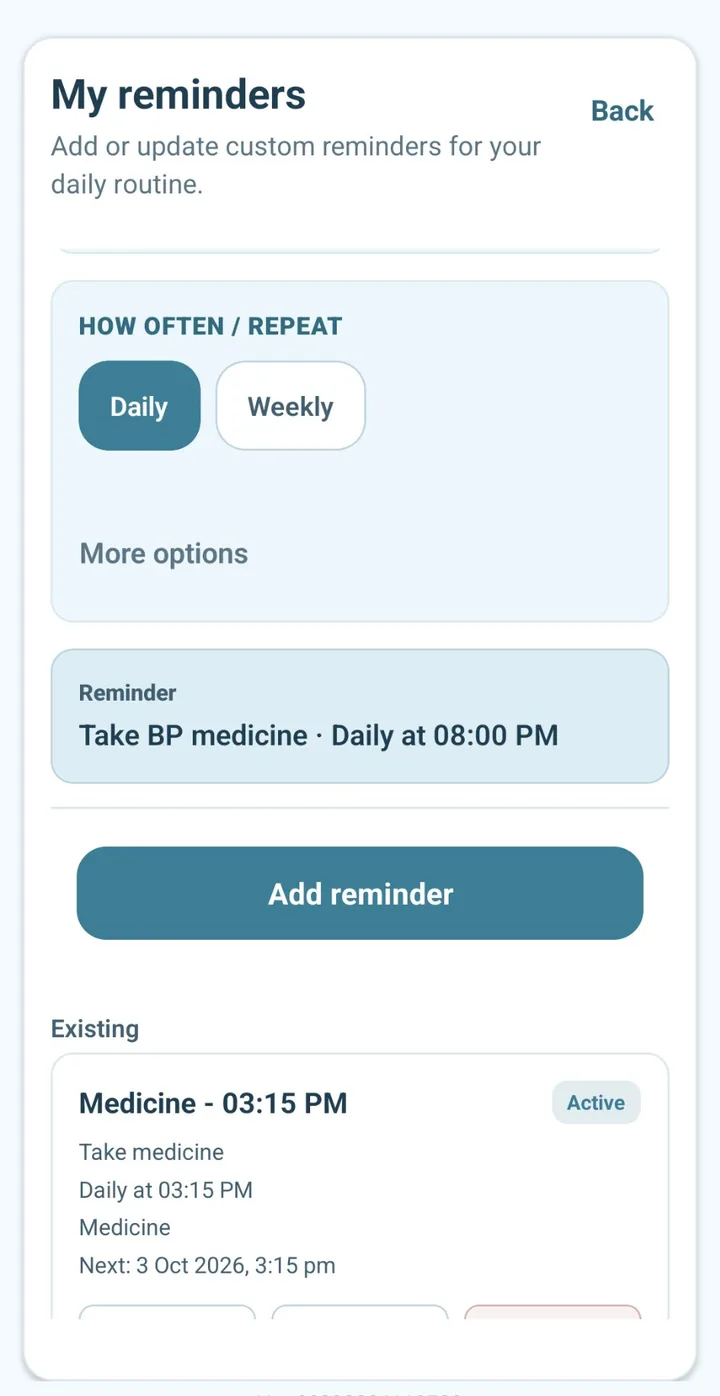
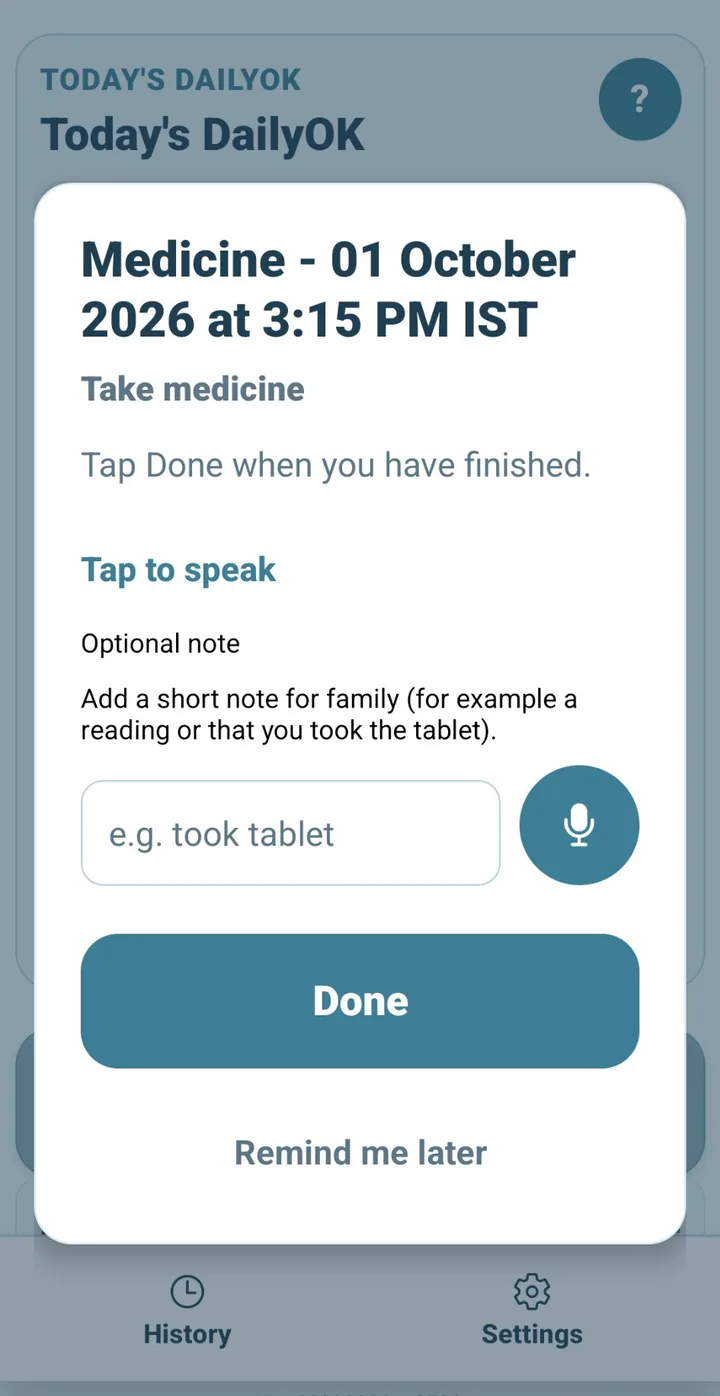
  3. Use Today for check-in and reminders

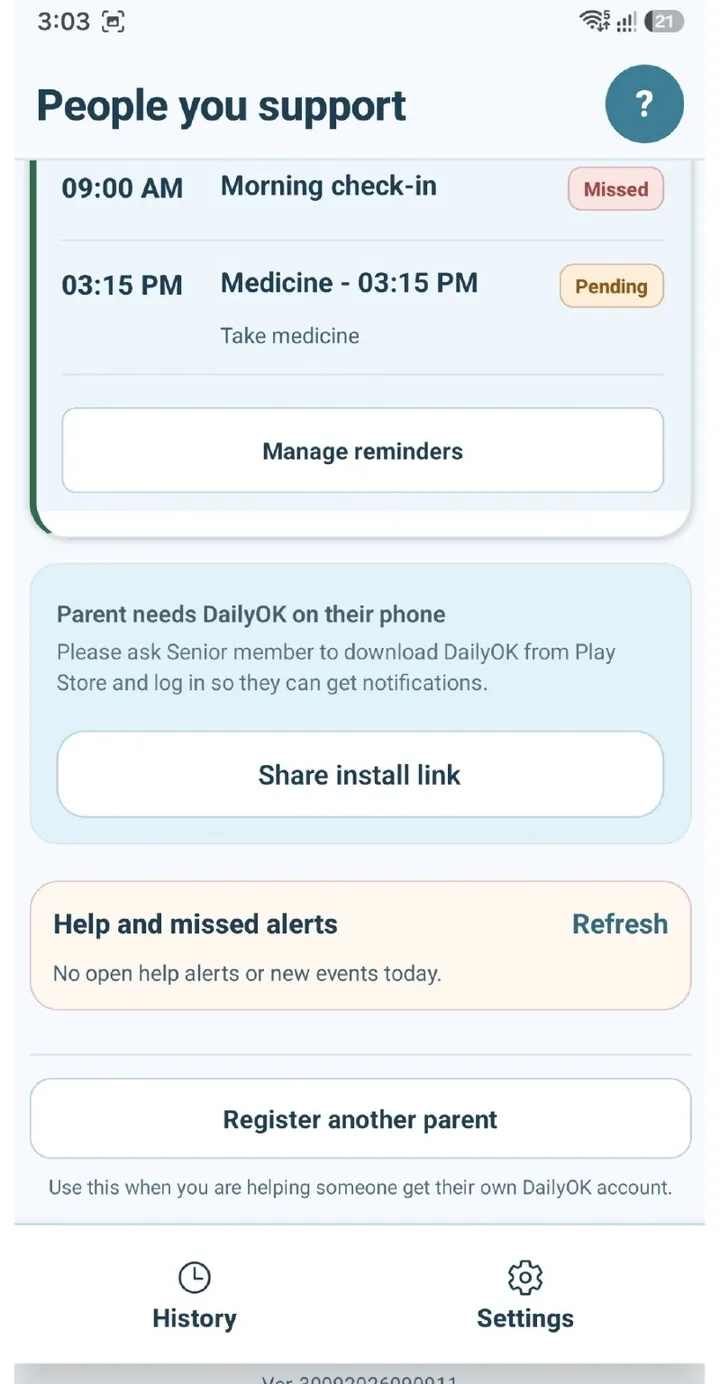
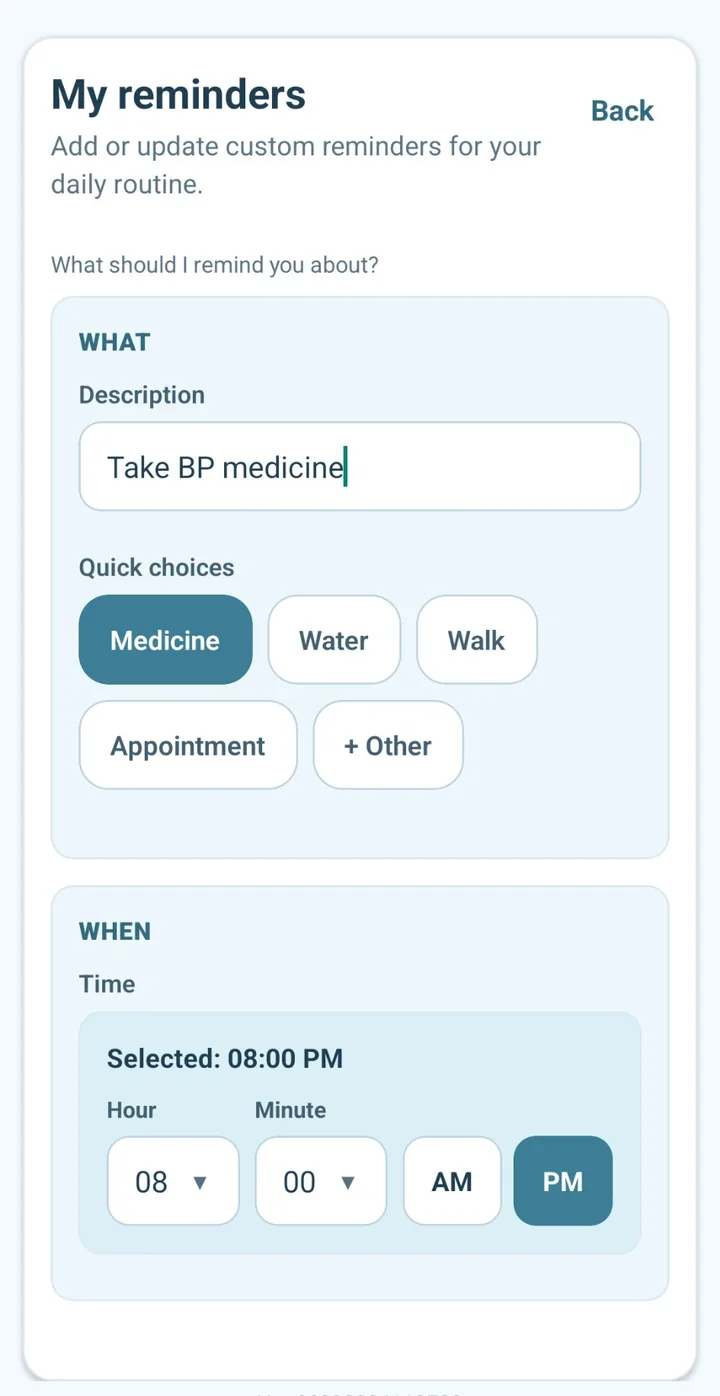
    Today shows the morning check-in and routine reminders together. For a reminder, tap Done or Remind me later. Acknowledgement is not proof that medicine was taken.

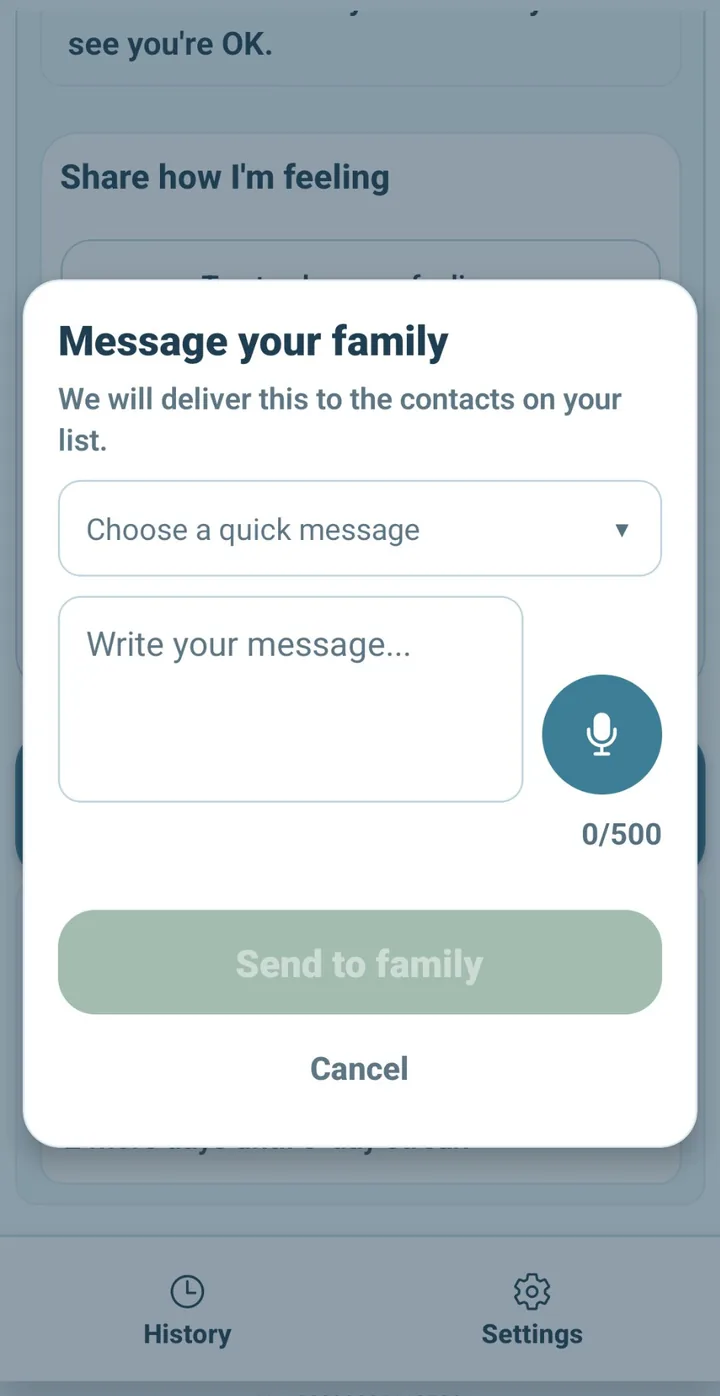
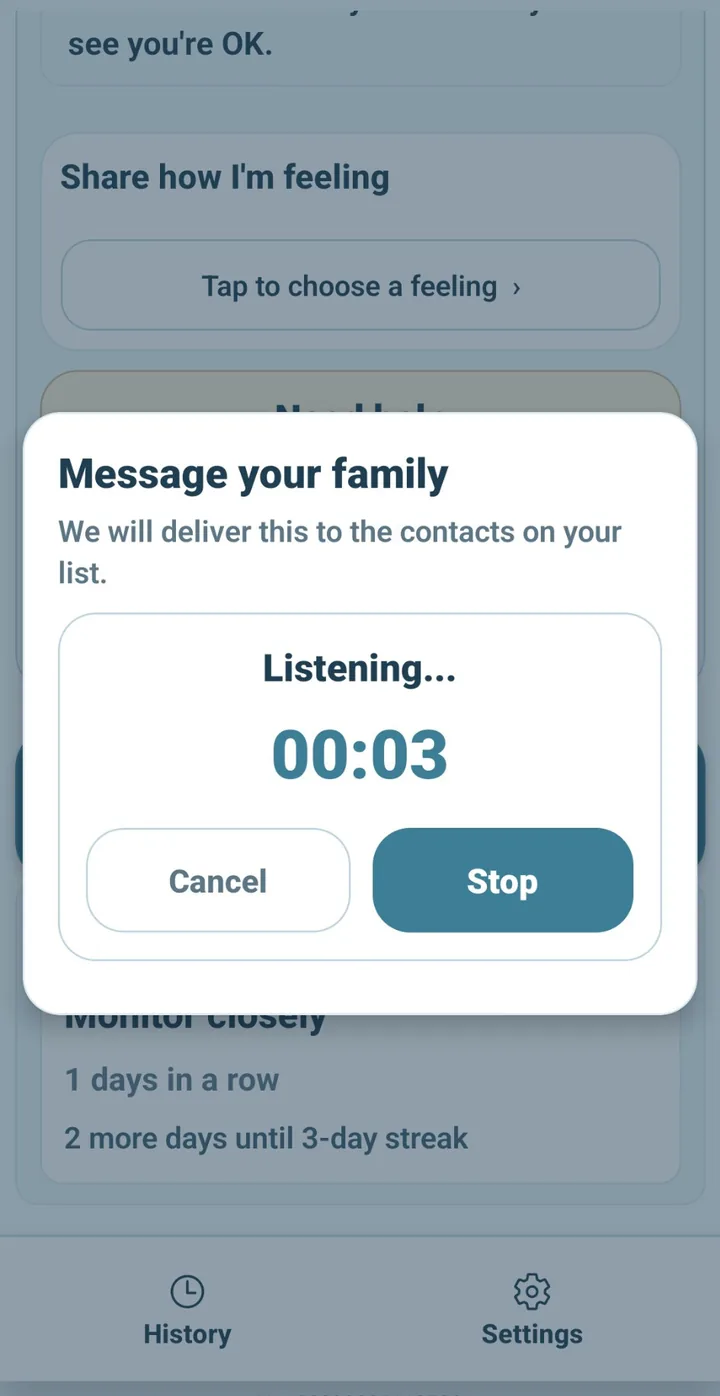
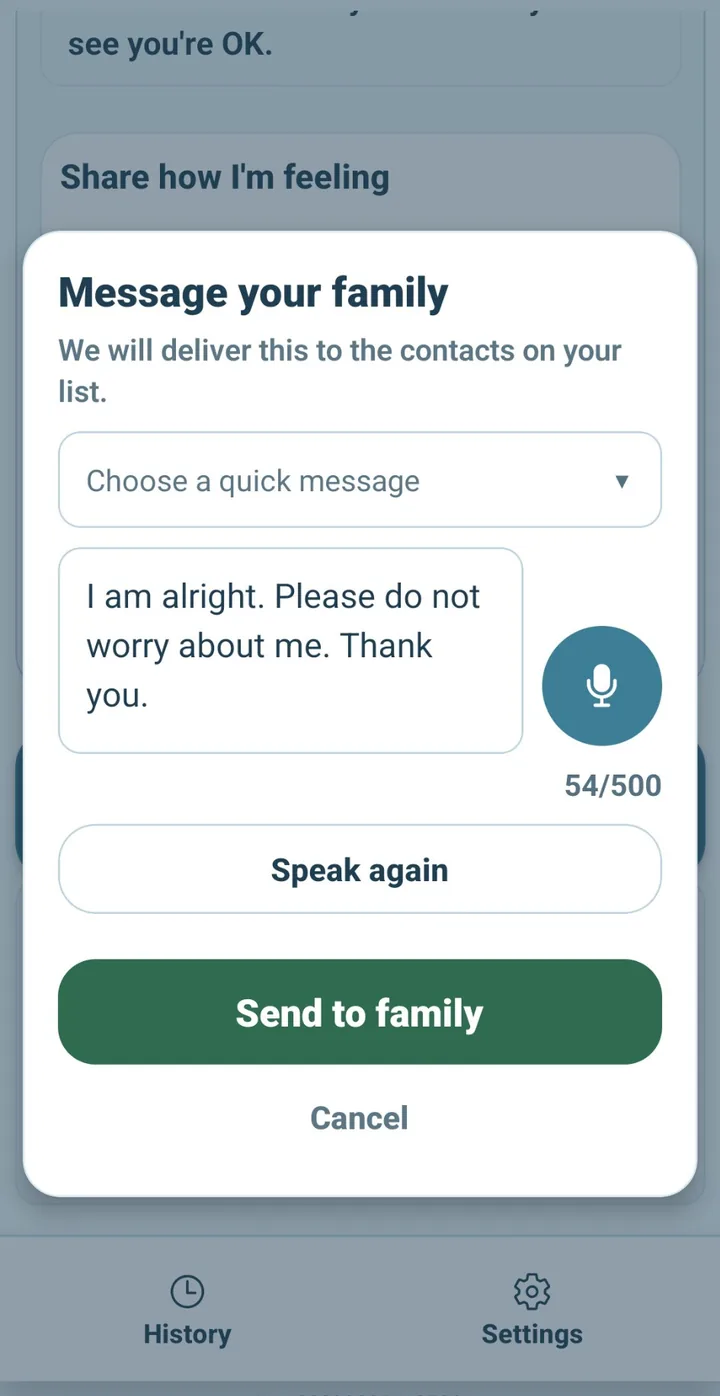
  4. Send a short family message

    Use a preset such as I'm fine today, Thinking of you, Call when you can, A bit tired, or Out briefly. These are short status messages—not a chat app.

  5. Ask for help when you need it

    Need help and Urgent help alert selected family contacts. DailyOK does not call 112, ambulance, or police.

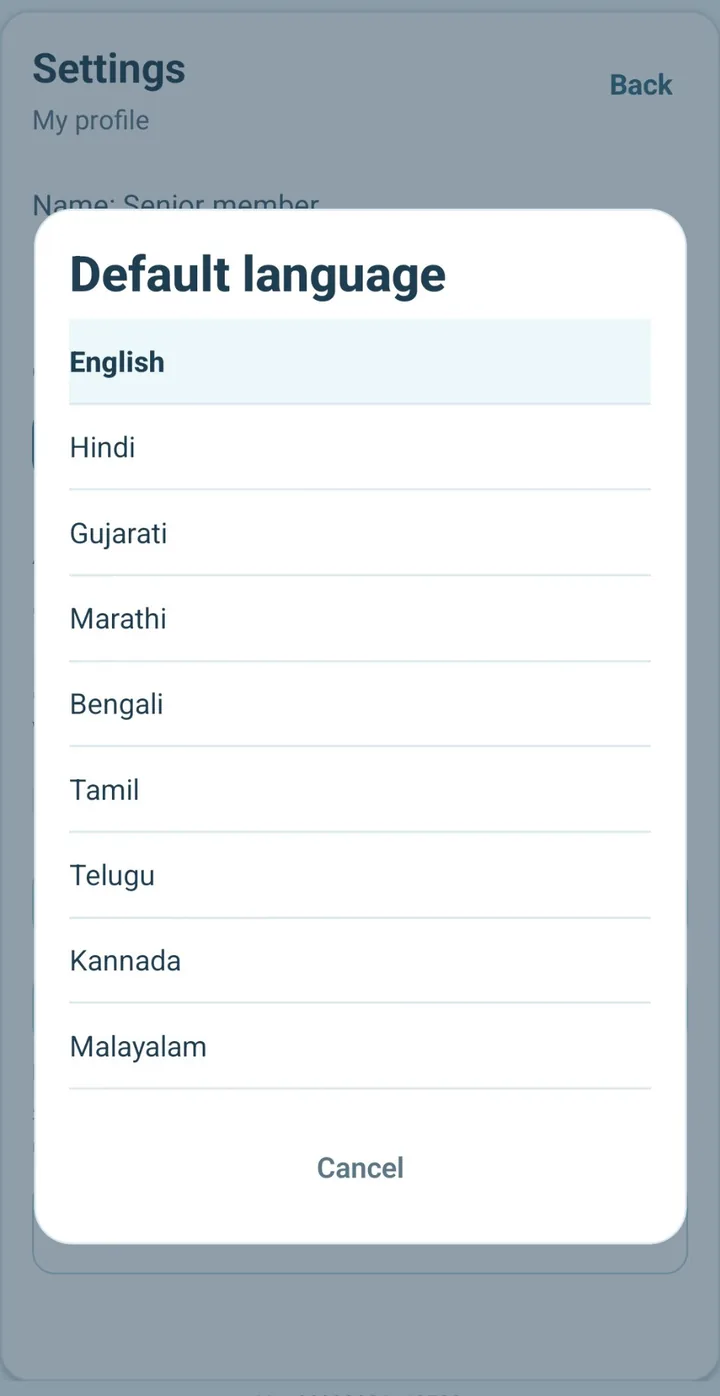
  6. Choose your language

    Each person can use English, Hindi, Gujarati, Marathi, Bengali, Tamil, Telugu, Kannada, Malayalam, or Punjabi. Coverage continues to improve, with English fallback.

  7. Set silent hours

    Quiet hours reduce routine notifications. Urgent help can still reach family.

  8. Understand the reassurance score

    DailyOK shows a reassurance score from check-ins, reminders, and family activity. It is not a health score, diagnosis, or proof that someone is safe.

Short answers

DailyOK is currently free during launch. No payment details are required, and users will receive advance notice before paid plans become available.
No. DailyOK is better described as a care gift and daily reassurance habit for families—peace of mind for adult children, and dignity for parents. It is not a generic senior safety app, emergency alarm, fall detector, or medical monitoring device.
No. Anyone in a supported region and on a supported platform can register in the app and begin using DailyOK.
Android is the current supported platform for the India-focused launch. iPhone support is planned for a later release.
DailyOK does not use continuous GPS tracking. Family access is permission-aware and intended for shared reassurance rather than surveillance.
No. Urgent Help alerts selected family contacts. DailyOK does not contact an ambulance, police, hospital, or emergency-dispatch service.
DailyOK can provide a reminder and record an acknowledgement. It does not verify that the correct medicine or dosage was taken.
Not currently. You can request iPhone launch updates from the contact page.
WhatsApp notifications are planned for Plus and Care. They are not currently available.
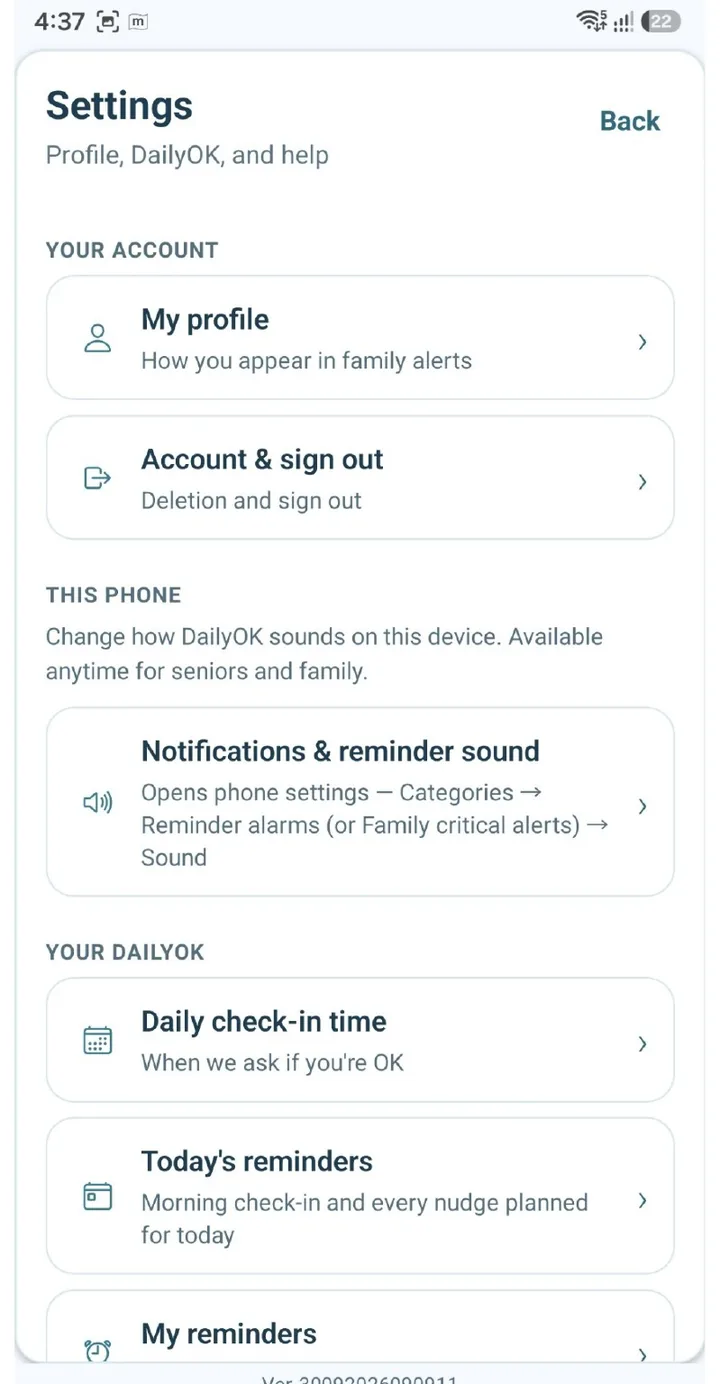
Use Settings and Account actions in the DailyOK app, or use the verified account-deletion page. A request starts a 24-hour cooling period.

Quick answer

What this page helps with

  • Parent tasks: check in, Today reminders, Need help, language, and silent hours.
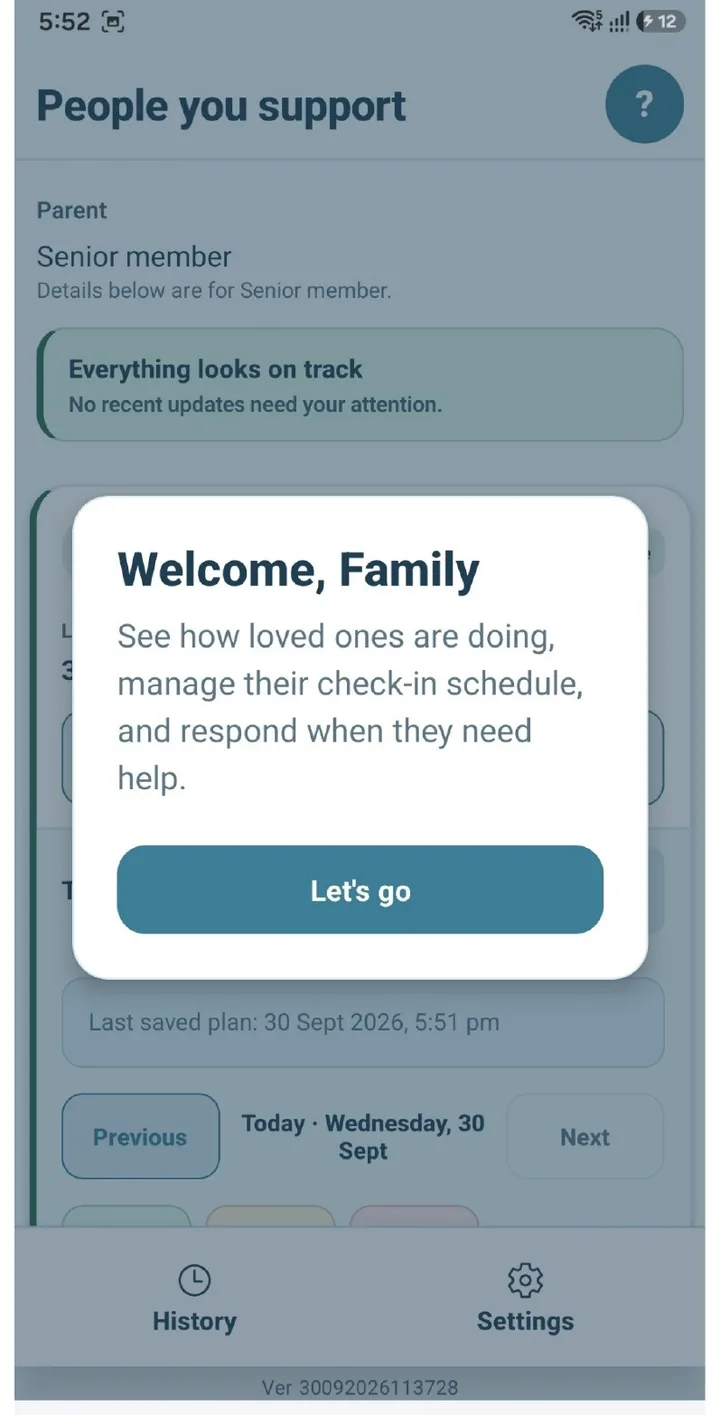
  • Family tasks: set up a parent, Family Hub, notes, and missed check-in follow-up.
  • Limits: DailyOK is not emergency response, medical monitoring, or GPS tracking.